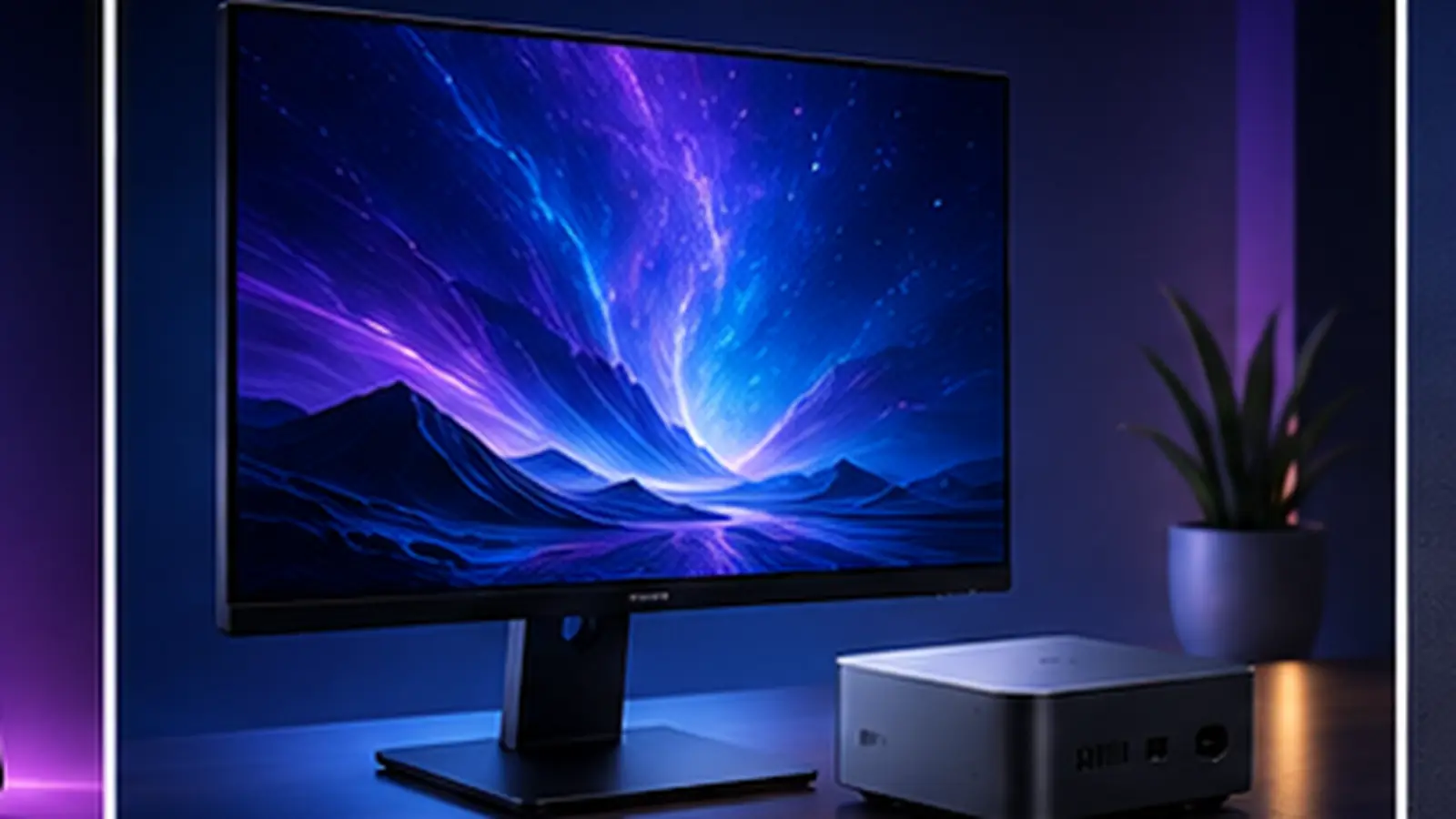
Desktops and monitors get bought less often than phones, so it’s easy to lose track of what actually matters. Here’s a straightforward way to decide.
Mac desktop or a Windows tower?
- Mac mini / Mac Studio - silent, compact, excellent for everyday work, creative apps and Apple’s software ecosystem. You can’t upgrade RAM or storage later, so buy the configuration you’ll want in three years.
- Windows PC - wins on gaming (native support for the widest range of titles and GPUs) and long-term upgradability - swap the GPU, add storage, or upgrade RAM as needs change.
What matters in a monitor
- Panel type - IPS gives the most accurate, consistent colour for general use and creative work; VA offers deeper contrast for movies and dark games; TN is the cheapest and fastest but has the weakest colour and viewing angles.
- Refresh rate - 60Hz is fine for office work; 120Hz+ makes everything feel noticeably smoother and matters a lot for gaming.
- Resolution & size - match resolution to size so text stays sharp; a 27” monitor is comfortable at 1440p, while 24” works well at 1080p.
- Ports - check for the inputs you actually need (HDMI version, DisplayPort, USB-C with power delivery if you want a single-cable laptop setup).
Compare the exact specs and live prices
Line up any two desktops or monitors we track, spec-for-spec, on our desktop & monitor comparison tool, or browse the full list to see live prices across every Sri Lankan shop we track.
A desktop’s total cost usually includes a monitor, keyboard and mouse bought separately - factor that in before comparing it against an all-in-one price like a laptop.